Annotation
Drawing on top of the canvas while explaining.
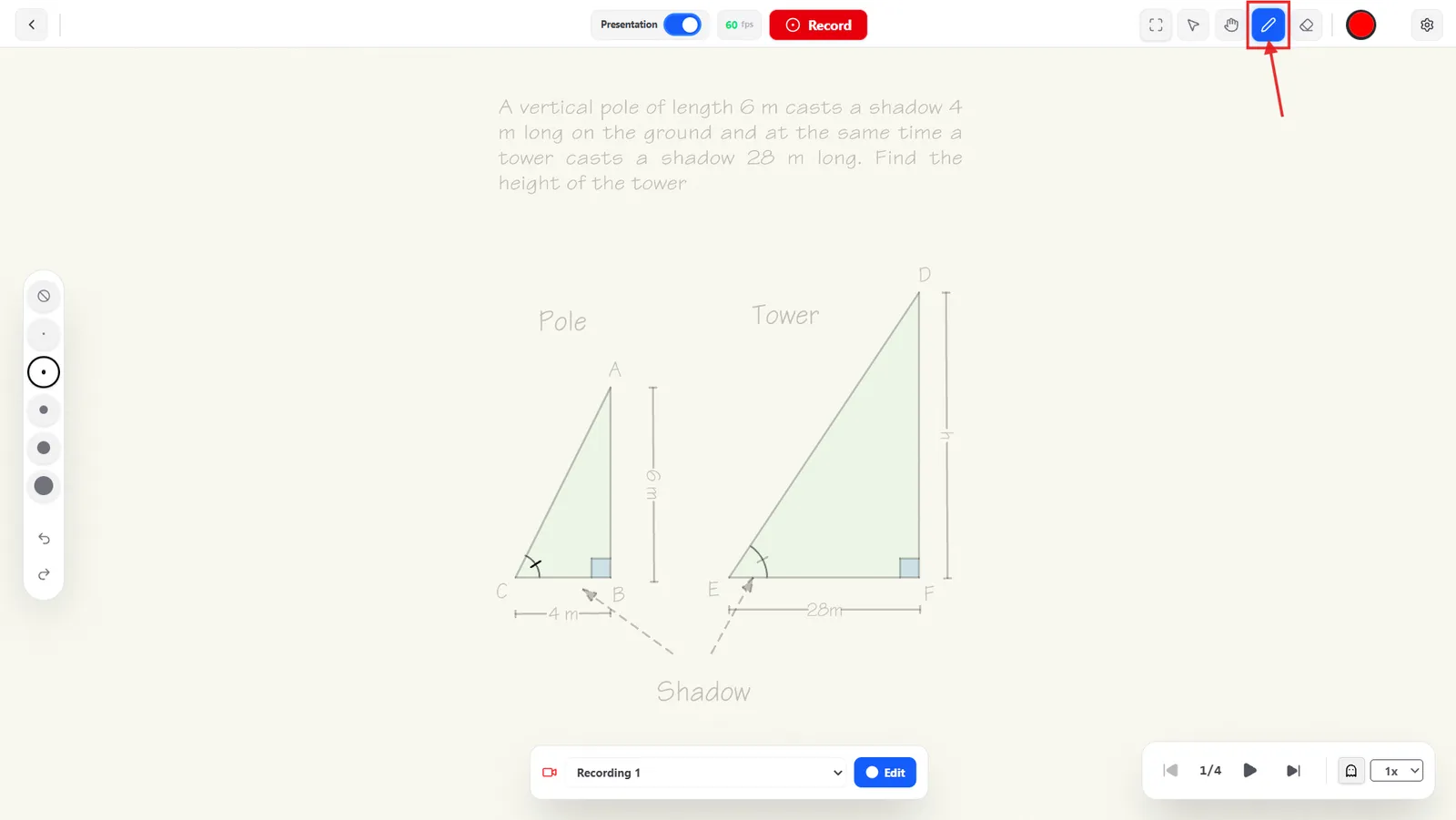
Pencil
Click the pencil icon in the header to start drawing directly on the canvas. A floating panel appears with five stroke sizes (smallest to largest) plus a Ban icon above them for size 0 — pick a size and start writing.
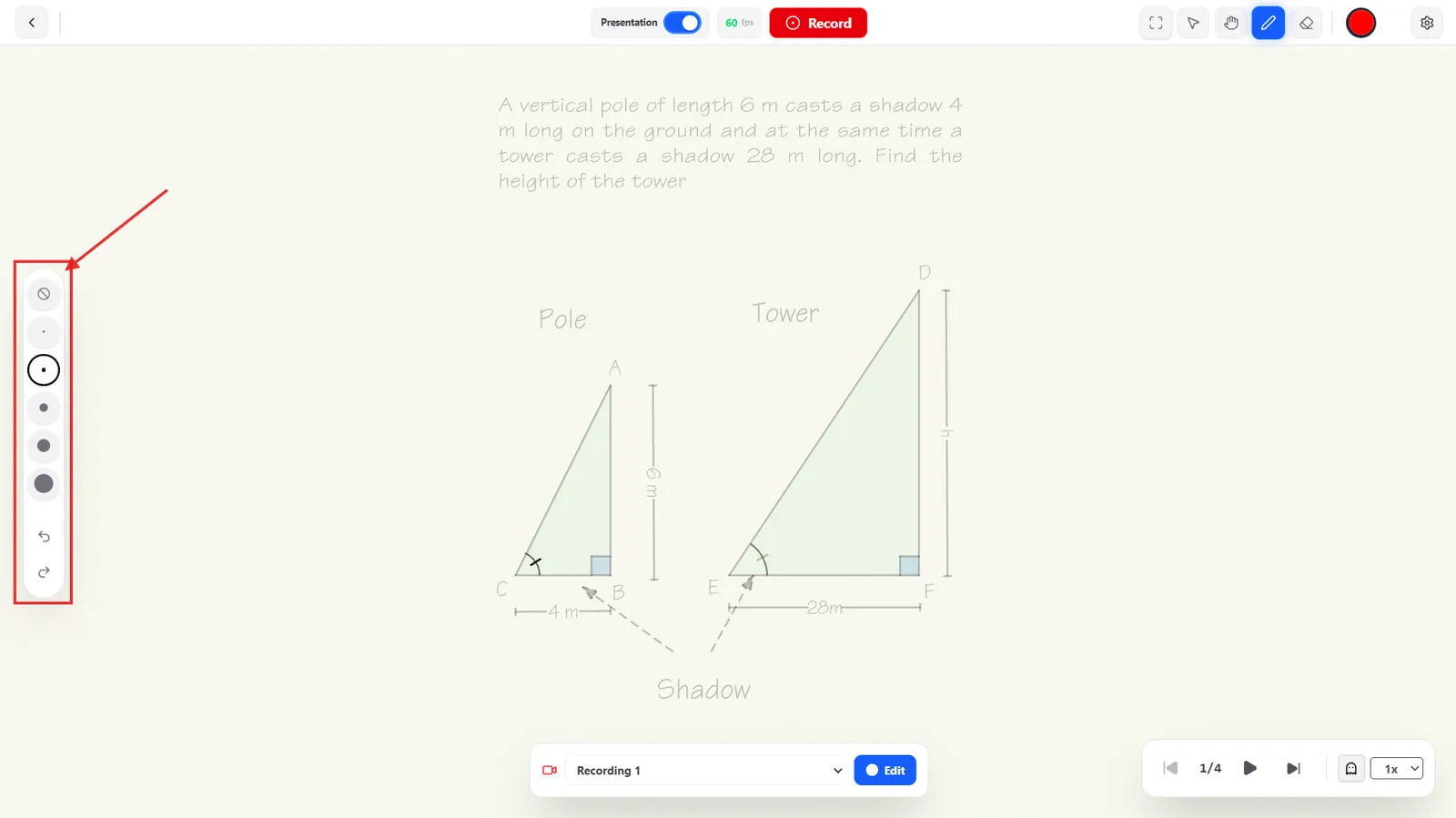
Undo and redo buttons at the bottom of the same panel step back through your strokes one at a time.
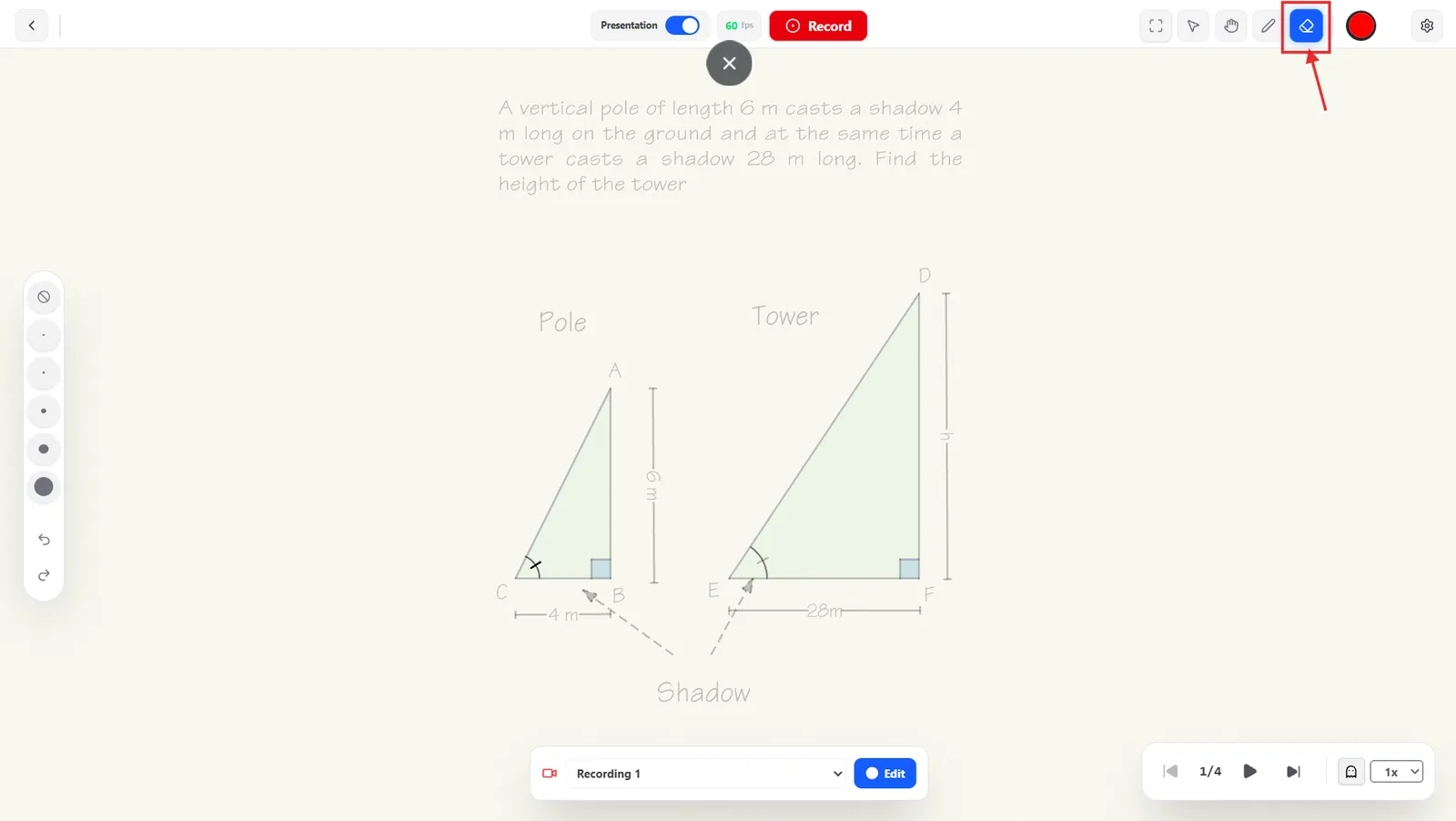
Eraser
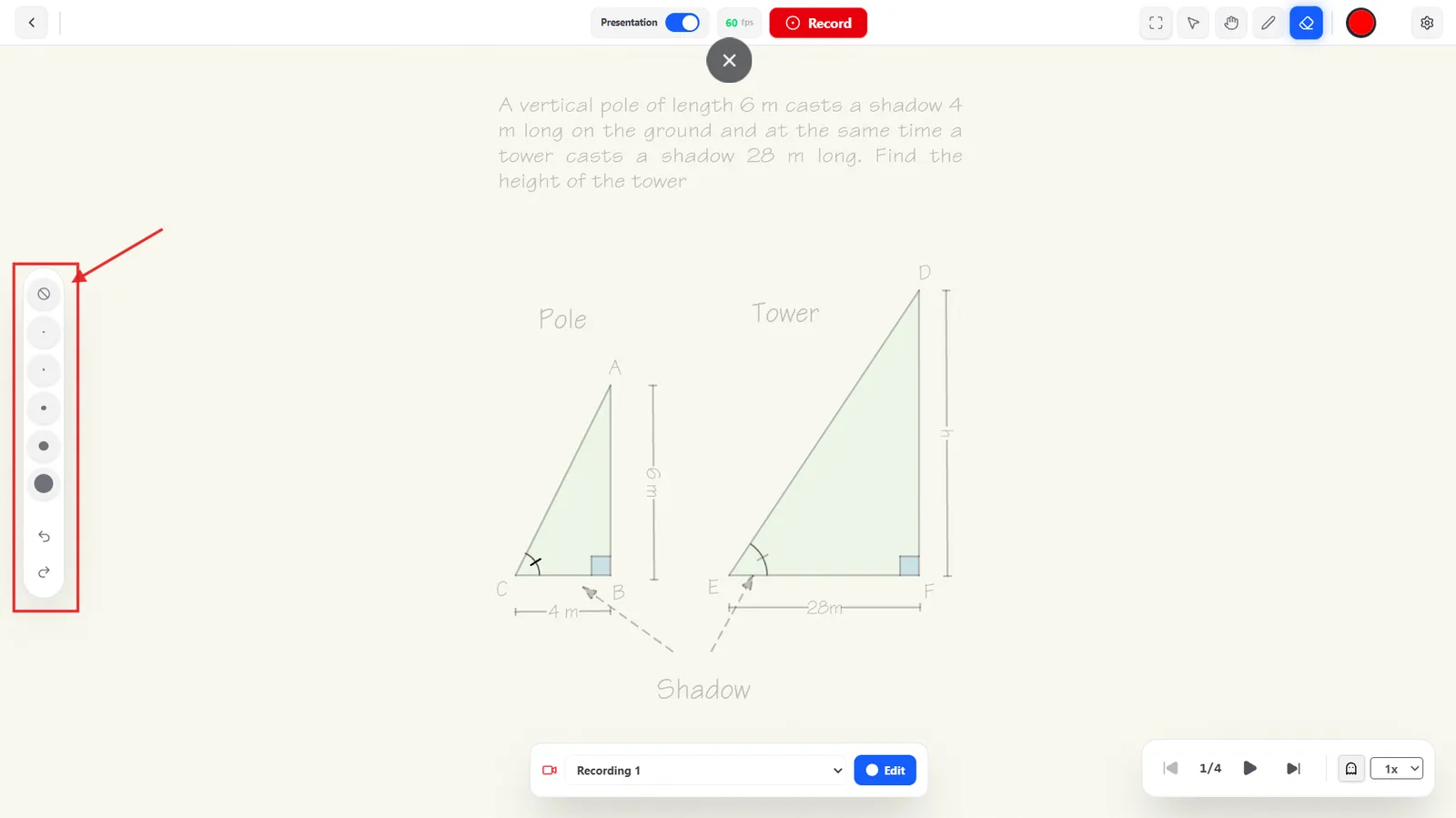
Click the eraser icon in the header to remove strokes instead of adding them. The same floating panel appears with five eraser sizes to choose from — bigger sizes clear more at once.